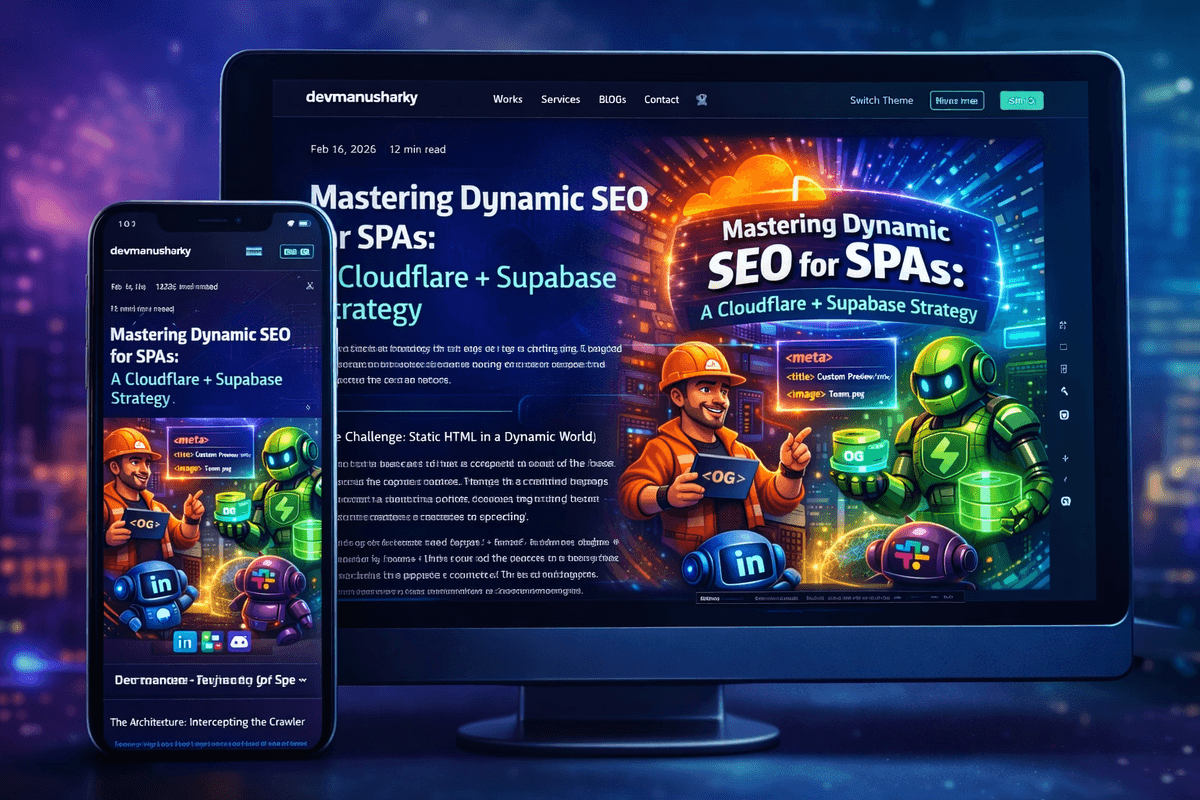
Single Page Applications (SPAs) offer incredible user experiences but often fail when it comes to social sharing. When a user shares a dynamic path—like a specific player profile or team roster—crawlers from LinkedIn, Slack, or Discord only see the generic index.html. Here is how we implemented a robust, edge-side solution to fix this permanently.
The Challenge: Static HTML in a Dynamic World
In an SPA, the server returns the same basic HTML file for every route. React or Vue then takes over in the browser to render the specific content. However, SEO crawlers are simple: they fetch the HTML and parse meta tags immediately without executing JavaScript. This results in every shared link showing the same generic 'Home Page' preview, which hurts engagement and brand discovery.
The Architecture: Intercepting the Crawler
Our solution used a two-tier approach to identify and serve the correct metadata without slow full-page SSR (Server Side Rendering):
- Cloudflare Workers (The Router): Acts as the 'First Responder' at the edge. It inspects the User-Agent of every incoming request.
- Supabase Edge Function (The Renderer): If the request comes from a crawler (e.g., LinkedInBot), the Worker forwards the request here to fetch specific data from the database and return a minimal HTML shell with correct OG tags.
- Direct Pass-through: If the user is a human using a browser, the Worker simply passes the request to the origin hosting (Lovable), which serves the standard SPA.
Debugging the Routing: Lovable Infrastructure Conflicts
During implementation, we hit a major roadblock. The site was hosted on Lovable, and adding a custom domain inside their dashboard created its own routing that bypassed our Cloudflare Workers entirely. Even though our DNS pointed to Cloudflare, the traffic was being swallowed by the hosting provider's internal routing before our Worker could run.
The Final Fix: Worker Custom Domains
To solve this, we moved to a 'Worker Custom Domain' architecture. By removing the domain from the hosting platform's dashboard and attaching it directly to the Cloudflare Worker, we ensured we had 100% control over the request lifecycle.
- Step 1: Point Nameservers to Cloudflare to take full control of the zone.
- Step 2: Use an A/CNAME record with 'Proxied' status enabled (Orange Cloud).
- Step 3: Update the Worker code to fetch from the platform's internal URL (e.g., app.lovable.app) for human users to avoid infinite loops.
- Step 4: Use Worker Custom Domains to bind the main domain directly to the Worker script.
Verification and Results
Using the LinkedIn Post Inspector, we verified that sharing a specific team link now correctly displays the team's custom name, player count, and generated roster image. Performance remained blazing fast because we only serve a few hundred bytes of HTML to crawlers, while humans still get the full React experience.
Key Insight
Crawlers don't run JavaScript. To get dynamic previews in SPAs, you must intercept the request at the edge and serve pre-rendered HTML meta tags based on the User-Agent.