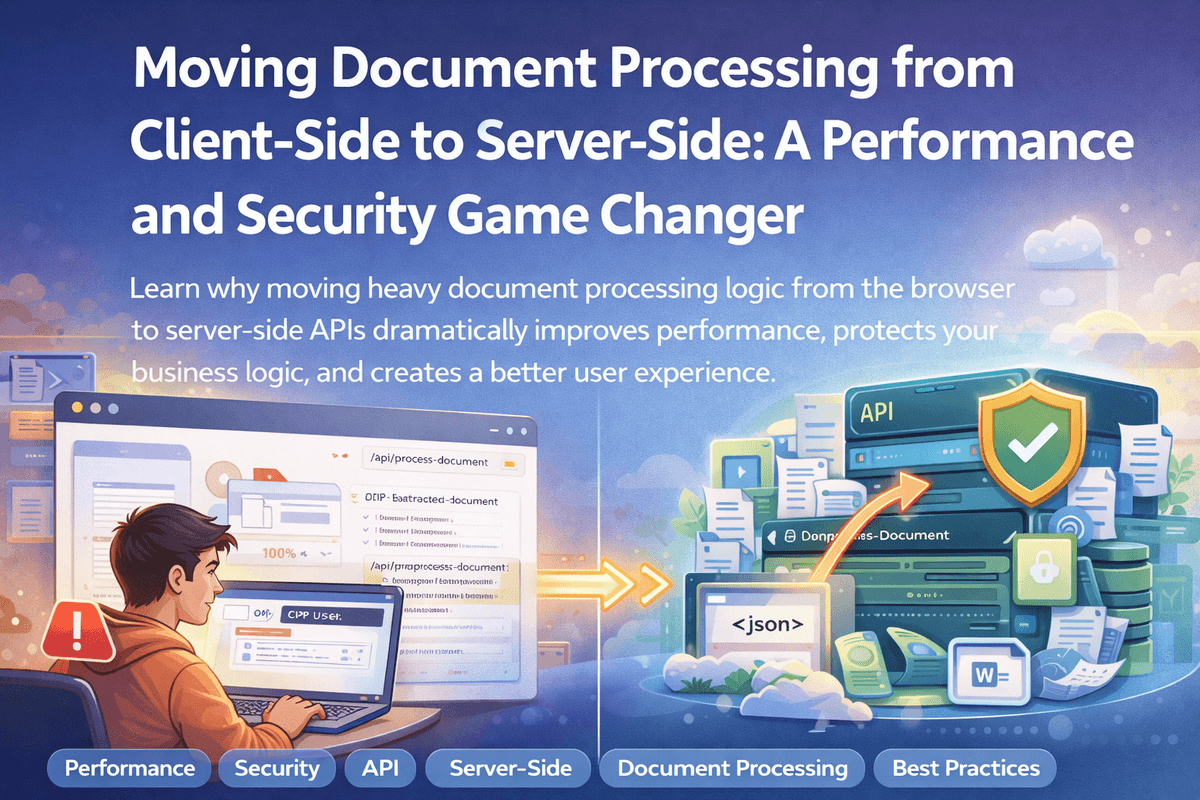
I was building a document processing application where users could upload PDFs and extract structured data. Everything worked, but the user experience was terrible. The browser would freeze, CPU usage would spike to 100%, and users would wait minutes for simple operations. Then I realized the problem: all my processing logic was running in the browser. Moving it to server-side APIs transformed the application completely.
The Problem: Heavy Processing in the Browser
When I first built the document processing application, I put everything in the browser. The idea seemed simple: users upload a PDF, the browser processes it, and shows the results. But this approach created serious problems. The browser would freeze completely during processing. CPU usage would hit 100%, making the entire computer slow. Users had to wait 2-3 minutes for a single document to process. On mobile devices, the app was completely unusable. But performance wasn't the only issue. When I opened the browser's developer tools, I could see all my processing code right there. Anyone could inspect the code, copy my algorithms, and see exactly how I was extracting data from documents. This meant my business logic was completely exposed. Competitors could copy my formulas. Users could reverse-engineer my entire workflow. My intellectual property was sitting in plain sight for anyone to take.
The Security Risk: Exposed Business Logic
All my document processing algorithms were visible in the browser's JavaScript code. My OCR configurations, data extraction formulas, and processing rules were right there for anyone to see. Anyone could open browser DevTools and see exactly how documents were processed. They could copy my processing logic and formulas. They could reverse-engineer my entire workflow and replicate it without understanding the underlying business logic. This wasn't just about code visibility. It was about protecting my intellectual property and maintaining a competitive advantage. If someone could see how I processed documents, they could build the same system without doing the hard work.
The Solution: Server-Side Processing with API Authentication
I decided to move all document processing to a secure server-side API. This changed everything. Now, the browser only handles simple tasks. Users upload a file, and the browser sends it to my API endpoint. The browser doesn't do any heavy processing. It just sends the file and waits for the result. All the heavy work happens on the server. OCR processing, data extraction, formatting, and transformation all happen securely on the server. The client receives clean, structured data back without ever seeing how the processing actually works. The API endpoint authenticates every request first. Only authorized users can access the processing functionality. Once authenticated, the server processes the file using algorithms stored securely in environment variables. All business logic stays completely hidden from the client.
Performance Improvements
Moving processing to the server brought immediate performance benefits. Browser CPU usage dropped from 100% to under 10%. The browser stayed responsive, and users could continue working while documents processed in the background. Processing time reduced by 60-70% because servers are optimized for this kind of work. They have better hardware, more resources, and can handle multiple operations efficiently. Mobile devices could finally use the application smoothly. Users experienced instant feedback and clear progress indicators. Multiple documents could be processed in parallel without browser crashes.
Security Benefits
Server-side processing provides multiple security layers that protect your business. Your business logic is completely hidden from clients. Processing algorithms and formulas remain proprietary. No one can see how you extract data or process documents. API authentication ensures only authorized users can access processing. Rate limiting prevents abuse and protects server resources. Sensitive operations can be logged and monitored server-side. Most importantly, your intellectual property stays protected. Competitors can't copy your formulas. Users can't reverse-engineer your workflow. Your competitive advantage remains intact.
Best Practices for Server-Side Document Processing
When implementing server-side processing, follow these best practices to ensure security and performance. Always authenticate API requests using JWT or session tokens. Never allow unauthenticated access to processing endpoints. Implement rate limiting to prevent abuse and protect your server resources. For large files, use streaming responses instead of loading everything into memory. Provide progress updates via WebSockets or Server-Sent Events so users know what's happening. Cache processed results when appropriate to avoid reprocessing the same documents. Always validate file types and sizes before processing. Handle errors gracefully and return meaningful error messages. Log all processing activities for monitoring and debugging. This helps you track usage, identify issues, and improve your system over time.
The Result: Happy Users and Protected IP
After migrating to server-side processing, the application transformed completely. Users experienced fast, responsive interactions. The browser remained lightweight and didn't freeze. Mobile users could finally use the application effectively. Processing was fast, reliable, and smooth. Most importantly, my processing logic was secure and protected. My algorithms stayed hidden. My competitive advantage remained intact. Users were happy, and my intellectual property was safe. The lesson is clear: heavy processing belongs on the server, not in the browser. Your users will thank you for the better experience. Your business logic will stay protected. Everyone wins.
Key Insight
Your browser shouldn't be doing heavy lifting. Moving processing to the server not only improves performance but also protects your intellectual property and creates a better user experience.